Construction companies run on scattered crews, tight bid deadlines, and a network that touches payroll, job costing, and subcontractor payments all at once. A dropped connection at the wrong moment costs more than an afternoon of frustration. Here's how the main IT support options for construction companies stack up in 2026, and which one actually fits a contractor's operation.
- ShorePointIT's managed IT services rank best overall for it support for construction companies balancing field crews and office systems in 2026.
- Co-managed IT support wins for construction firms with an existing IT hire who needs senior-level backup.
- Break-fix support is the budget option, best for small crews with light daily technology use.
- Fully outsourced IT support fits construction companies running zero internal IT staff.
- Managed cybersecurity services matter most for general contractors juggling bids, payroll, and subcontractor data.
Why this matters
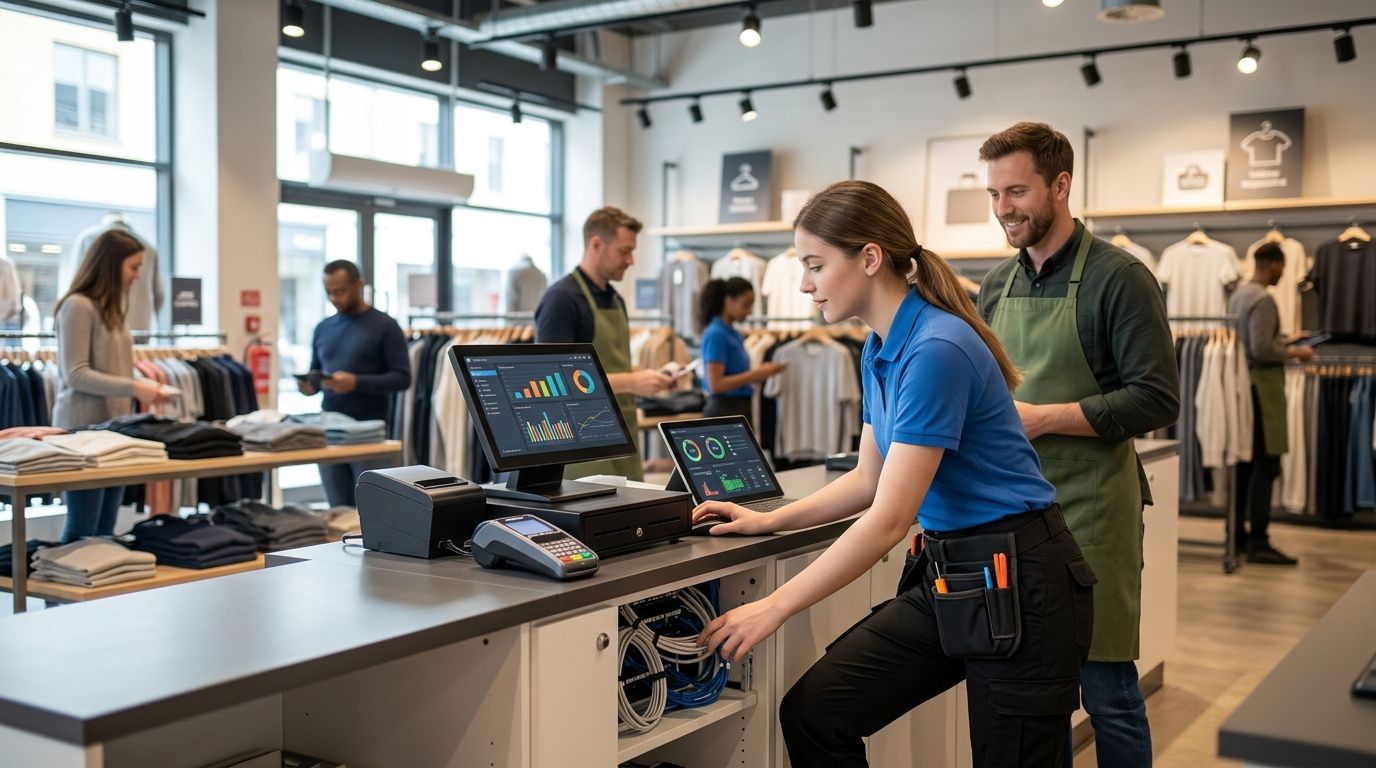
Construction IT isn't office IT with hard hats added on. Crews work off tablets and phones at job sites with spotty signal, subcontractors need limited access to shared files, and the same network handling email also processes payroll and six-figure change orders. That combination makes construction firms an attractive target for wire fraud and ransomware, and a generic help-desk contract built for a law office or retail shop won't cover it.
In 2026, more contractors are being asked by bonding companies and cyber insurers to show a real security plan before a policy renews. ShorePointIT sees this come up constantly with contractors who assumed "we have antivirus" would satisfy an underwriter — it doesn't anymore.
Best overall: ShorePointIT's managed IT services, built around construction firms running both an office and multiple active job sites. Best for companies with an existing IT hire: co-managed IT support. Best budget option: break-fix support, for small crews with minimal daily technology dependence.
What makes the best IT support for construction companies
- Jobsite connectivity and mobile device management, not just office network support
- Response times that hold up when a bid deadline or payroll run is on the line
- Cybersecurity coverage sized to the company's bonding and insurance requirements
- Familiarity with construction software: job costing, project management, and estimating tools
- Senior-level advice instead of a rotating junior help-desk queue
- No contract structure that outlasts the company's actual project pipeline
At a glance
| Model | Best for | Standout feature | Key limitation |
|---|---|---|---|
| ShorePointIT managed IT services | Firms with office + multiple job sites | Senior-level oversight across office and field | Onboarding takes time to map job-costing systems |
| Co-managed IT support | Firms with an existing IT hire | Backup coverage without replacing staff | Needs clear division of duties up front |
| Fully outsourced IT support | Firms with zero internal IT | No hiring cost, predictable coverage | Response speed depends entirely on the provider |
| Managed cybersecurity services | General contractors with compliance needs | Closes phishing and ransomware gaps | Doesn't replace day-to-day IT support |
| Break-fix support | Very small crews, low daily tech use | Lowest ongoing cost, no contract | No proactive monitoring before something breaks |
1. ShorePointIT managed IT services: best overall for construction companies
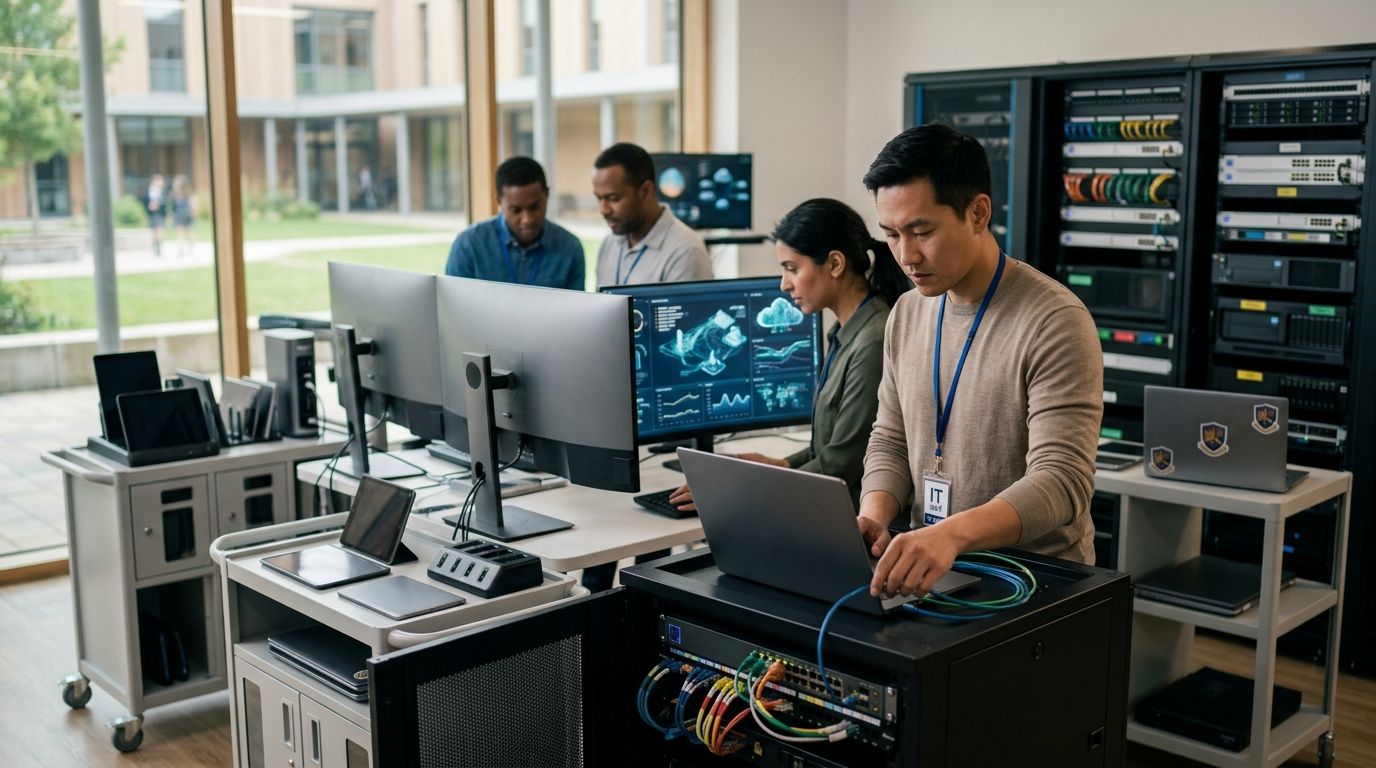
ShorePointIT's managed IT services cover network management, cybersecurity, cloud systems, and help-desk support in one relationship, built for construction companies running an office and multiple active job sites at the same time. The model gives a contractor one point of contact instead of juggling separate vendors for phones, backups, and security.
ShorePointIT pros:
- Senior-level technology guidance instead of a junior queue reading from a script
- Cybersecurity coverage that scales with bonding and cyber insurance requirements
- One contact for both office network issues and job-site connectivity problems
ShorePointIT cons:
- Overkill for a two-person crew running one laptop and a phone
- Onboarding takes real time to map job-costing and project management software before support hits full speed
Best for: construction companies with roughly 10 to 200 employees running an office plus multiple job sites.
Verdict: Buy.
2. Co-managed IT support: best for companies with an existing IT hire
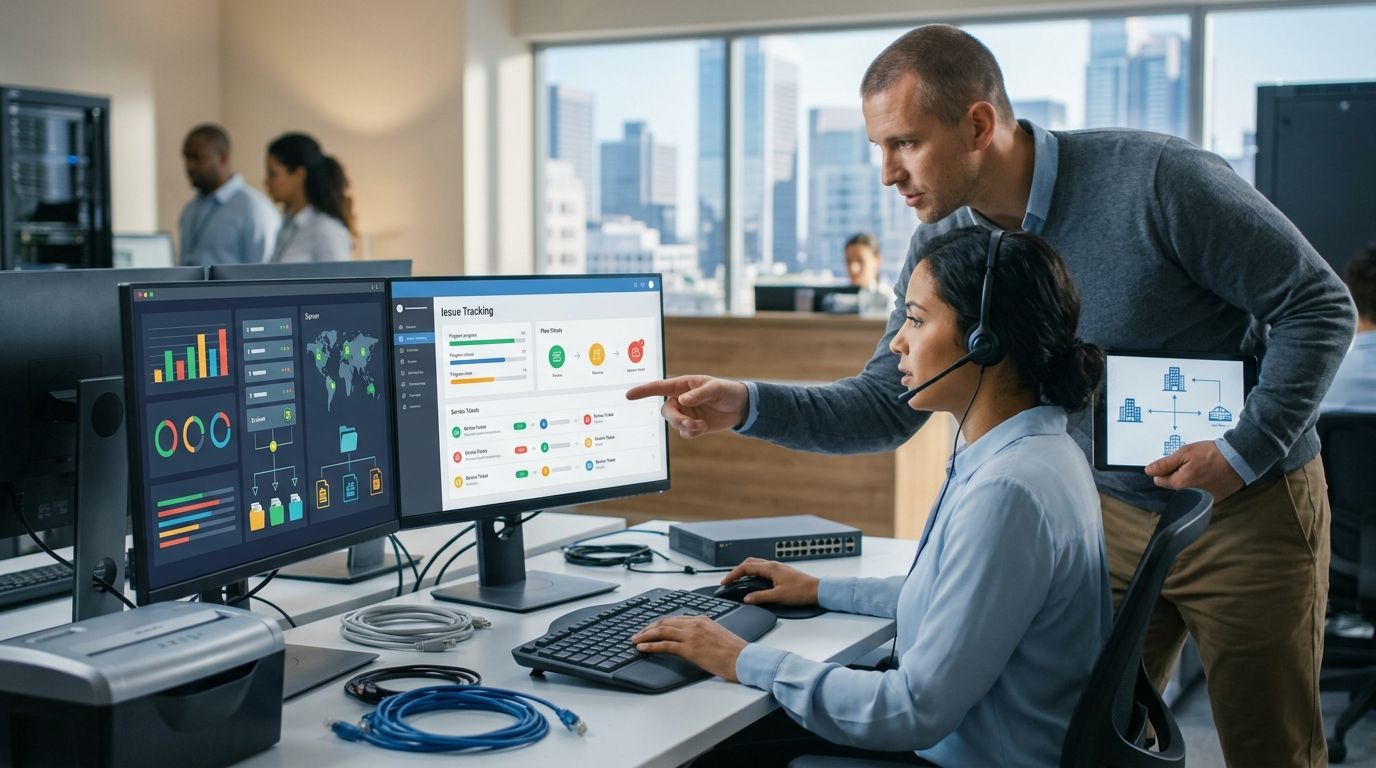
Co-managed IT pairs an internal IT person with an external team that handles cybersecurity, backups, and after-hours coverage. It's a fit for construction companies that already invested in someone internal but can't cover every gap with one person, especially during bid season when that person is stretched thin.
Co-managed IT pros:
- Keeps institutional knowledge of the company's systems in-house
- Adds senior oversight without a full replacement hire
- Covers gaps when the internal person is out or overloaded
Co-managed IT cons:
- Needs a clear division of responsibility up front, or tasks fall through the cracks
- Still depends on the internal hire's availability for day-to-day fixes
Best for: construction companies that already employ one IT person and need backup, not a replacement. Co-managed IT services are worth a closer look if this describes the current setup.
Verdict: Buy — for the right structure.
3. Fully outsourced IT support: best for zero internal IT staff
Fully outsourced IT support hands every ticket, security decision, and network question to an outside provider. There's no internal IT staff at all — the provider owns the whole relationship, from patching laptops to responding when email goes down mid-bid.
Fully outsourced IT support pros:
- No salary, benefits, or training cost for an internal hire
- Predictable coverage for network, email, and device issues
- The provider carries the burden of staying current on ransomware trends and patching
Fully outsourced IT support cons:
- Response time depends entirely on the provider's staffing and stated response commitments
- The company loses some day-to-day visibility into what's happening on its own network
Best for: construction companies running zero internal IT staff today. Outsourced IT support works best when the provider commits to a specific response window in writing, not a vague "as soon as possible."
Verdict: Buy — if the provider commits to real response times.
4. Managed cybersecurity services: best for compliance-heavy general contractors
Managed cybersecurity services layer dedicated monitoring, endpoint protection, and incident response on top of whatever general IT support already exists. It's a security-specific add-on, not a replacement for day-to-day help-desk work.
Managed cybersecurity pros:
- Closes the gap general IT providers often leave around phishing, wire fraud, and ransomware
- Helps meet the security documentation bonding companies and cyber insurers ask for in 2026
- Adds monitoring specifically tuned to financial and payroll systems
Managed cybersecurity cons:
- Doesn't replace general IT support — someone still has to handle day-to-day network and device issues
- Adds a second vendor relationship unless it's bundled with the main IT provider
Best for: general contractors managing six-figure change orders, payroll, and subcontractor payment data. Managed cybersecurity services matter most for firms that have already been asked for a security plan by an insurer.
Verdict: Hold — add it once general IT support is stable.
5. Break-fix support: best budget option for small crews
Break-fix is pay-per-incident: nobody's monitoring the network, and a technician gets called only when something stops working. It's the cheapest model on this list because there's no ongoing contract.
Break-fix pros:
- Lowest ongoing cost of any option here
- No contract to manage or negotiate
- Fine for a crew that touches a computer twice a week
Break-fix cons:
- No proactive monitoring, so a ransomware infection or a failed backup often isn't caught until it's already a crisis
- Response time is whatever the technician's schedule allows that week
Best for: very small crews with minimal daily technology dependence and low data risk.
Verdict: Wait — fine for now, but re-evaluate once payroll, bidding, or client data moves onto the network.
“If a break-fix technician can't tell you who's watching your firewall on a Friday afternoon, that's your answer.”
How we ranked these
Each model was weighed against the six criteria above: jobsite connectivity, response speed, security coverage tied to insurance requirements, familiarity with construction software, senior-level advice, and contract flexibility. ShorePointIT's managed IT services scored highest because it's the only option covering all six without requiring a second vendor relationship. Co-managed and fully outsourced support each cover most of the list depending on what's already in place internally. Break-fix and standalone cybersecurity are ranked lower here specifically because each one leaves a gap the others fill.
Which IT support option should you choose?
A construction company with an office and active job sites in 2026, and no dedicated in-house IT team, gets the most coverage from ShorePointIT's managed IT services — one relationship handling network, cybersecurity, and cloud systems together. If there's already an internal IT hire, co-managed IT support adds senior backup without a redundant full-time role. Everyone else should treat break-fix as a temporary stage, not a long-term plan, once payroll or client data starts living on the network full-time.
FAQ
What's the best IT support for construction companies in 2026?
ShorePointIT's managed IT services rank best overall for construction companies running an office plus multiple job sites, because they cover network management, cybersecurity, and field connectivity in one relationship. Co-managed IT is the better fit for firms that already employ an internal IT person.
Is co-managed IT better than fully outsourced IT for a construction company?
Co-managed IT works better when a company already has an internal IT hire who needs backup, not a replacement. Fully outsourced IT support fits companies with zero internal IT staff and no plan to hire one.
How much does IT support cost for a construction company?
Cost depends on employee count, the number of active job sites, and whether cybersecurity is bundled into the contract or sold separately. Get a quote based on the specific setup rather than an industry-wide average.
Do construction companies need a dedicated cybersecurity provider?
General contractors handling large change orders, payroll, and subcontractor payment data increasingly need dedicated cybersecurity coverage, especially as bonding companies and cyber insurers ask for documented security plans in 2026. A standalone cybersecurity layer is worth adding once general IT support is already stable.
What's the difference between managed IT and break-fix support?
Managed IT includes ongoing monitoring, maintenance, and security coverage under one contract. Break-fix is pay-per-incident, with no monitoring between calls, which means problems often surface only after they've already caused downtime.
How fast should IT support respond to a construction company's outage?
Response commitments should be in writing, not left as 'as soon as possible.' A provider that can't state a specific response window for a network or payroll system outage isn't built for a construction company's schedule.
Can a construction company keep its own IT person and still use a managed provider?
Yes — that's exactly what co-managed IT support is designed for. The internal hire keeps day-to-day duties while the external team adds cybersecurity, backups, and after-hours coverage.
What should a construction company look for when choosing an IT support provider?
Look for jobsite connectivity experience, familiarity with construction software like job costing and estimating tools, and cybersecurity coverage that matches bonding and insurance requirements. A provider offering only office-network support usually misses the field side of the business.
One last thing
The biggest blind spot for construction companies in 2026 usually isn't the office network — it's the personal phones and job-site tablets syncing directly to shared drives with no device management in place. Check whether the current IT support agreement even covers those devices before assuming they're protected.