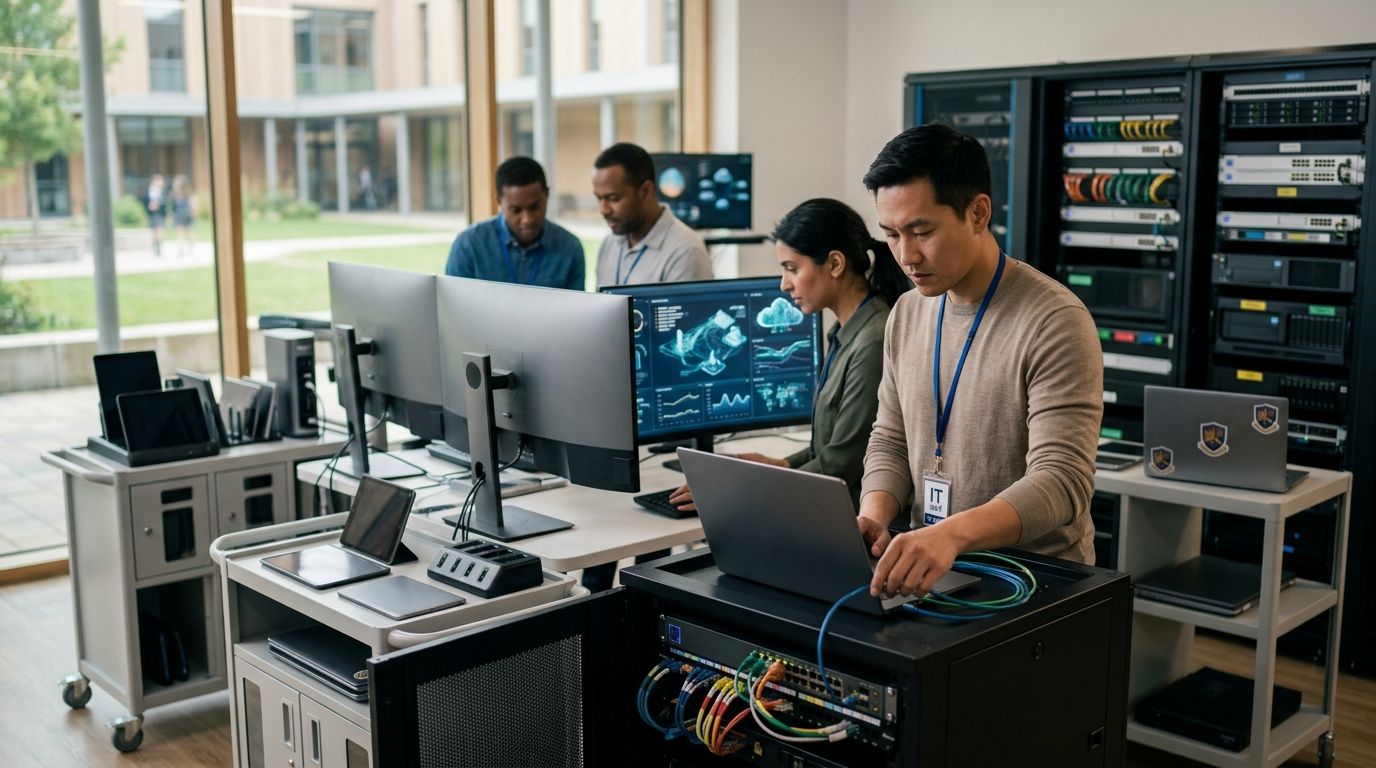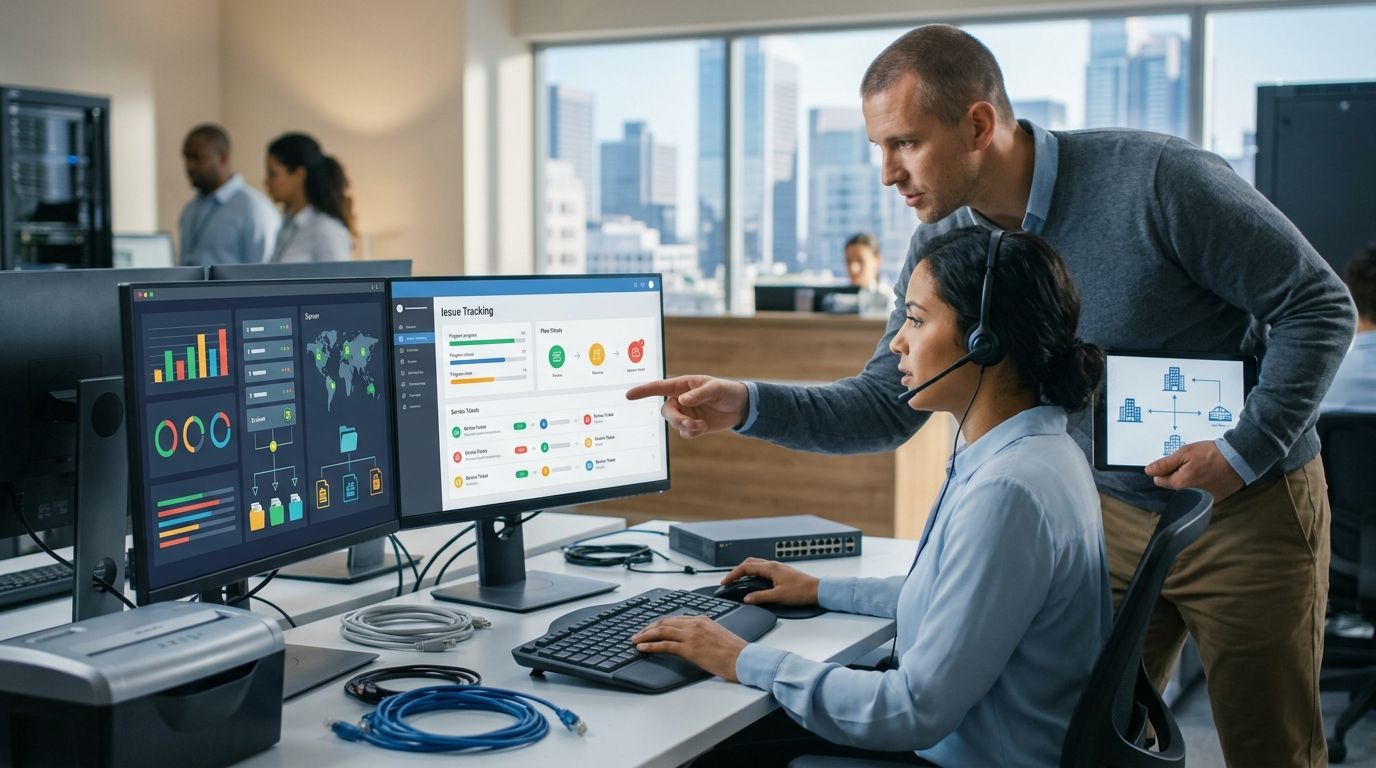
Architecture firms run on large files, tight deadlines, and client intellectual property that can't leak. The best IT support for architecture firms in 2026 handles all three without turning every support ticket into a week-long wait. Best overall: ShorePointIT, for small-to-mid-size firms that want cybersecurity built into daily support instead of sold as a separate line item. Best for large, multi-office firms: national enterprise MSPs. Best budget option for a single-office practice: a local independent IT shop, with the caveat that it rarely covers cybersecurity.
- ShorePointIT wins for SMB architecture firms wanting co-managed IT with cybersecurity built in, not sold separately.
- National enterprise MSPs fit multi-office firms with 200+ seats but route support through tiered call centers.
- Local independent IT shops handle single-office fixes fast but rarely staff dedicated cybersecurity.
- DIY software-only support works for solo practitioners until a ransomware note appears on screen, then it fails completely.
Why this matters
Architecture firms sit on a specific kind of risk: years of client design files, contract documents, and BIM models that are expensive to recreate and embarrassing to lose. A generic "IT support for architecture firms" search returns a mix of national MSPs, local break-fix shops, and boutique providers, and most of them were never built with design firms in mind.
The choice matters more in 2026 than it did five years ago. Hybrid design teams now move gigabyte-scale Revit and BIM files between office and home constantly, and every one of those transfers is a point where a weak IT setup turns into a client-facing problem.
What makes the best IT support for architecture firms
- Response time and after-hours coverage for deadline-driven renderings and submittals
- Fluency with AEC software stacks — Revit, AutoCAD, BIM 360/ACC, and large-file transfer
- Data and IP protection for design files, client contracts, and project financials
- Cloud collaboration support for hybrid teams working across office and home
- Scalability as the firm adds staff, seasonal contractors, or a second office
- Senior-level strategic input, not just a technician closing tickets
At a glance
| Provider type | Best for | Standout feature | Key limitation |
|---|---|---|---|
| ShorePointIT | SMB architecture firms wanting cybersecurity in daily support | Co-managed model pairs senior technology leadership with in-house staff | Not built for firms with 500+ seats across many regions |
| National enterprise MSPs | Multi-office firms with 200+ seats | Standardized SLAs and ticketing across every office | Support routes through tiered call centers with less firm-specific context |
| Local independent IT shops | Single-office firms needing fast on-site fixes | Same-day visits and personal relationships | Rarely staff dedicated cybersecurity or compliance roles |
| In-house IT + co-managed backup | Firms with one internal IT hire needing coverage | Internal knowledge stays, partner covers nights and overflow | Requires a clear split of responsibility to avoid gaps |
| DIY software-only support | Solo practitioners and micro-firms | Low overhead, ticketing and password tools cover basics | No one accountable when an incident actually happens |
1. ShorePointIT: best IT support for architecture firms wanting cybersecurity built into daily support
ShorePointIT provides managed IT services, cybersecurity, and cloud migration for small and mid-sized businesses, including architecture practices, law firms, and medical offices. The model pairs senior-level technology leadership with either a full outsourced setup or a co-managed IT services arrangement that works alongside an existing internal hire.
ShorePointIT pros:
- Senior-level technology guidance instead of a junior technician reading from a script
- Co-managed option that supports rather than replaces an existing IT staffer
- Cybersecurity treated as part of standard support, not a bolt-on upsell
- Consultative, no-hard-sell approach to onboarding and ongoing recommendations
ShorePointIT cons:
- Not positioned for national firms with dozens of offices and thousands of seats
- Specialized Revit or BIM performance tuning may still involve coordination with a software vendor
- Best fit skews toward SMB firms, not enterprise-scale practices
ShorePointIT pricing: scope-based, set after a review of seat count and current IT setup — check current terms directly rather than assuming a flat rate.
Best for: SMB architecture firms, typically one to a few offices, that want IT strategy and cybersecurity handled by one accountable partner instead of split across three vendors.
Verdict: Buy if you're an SMB architecture firm without a dedicated cybersecurity function today.
2. National enterprise MSPs: best IT support for architecture firms with 200+ seats
Large managed service providers built for enterprise clients bring standardized service-level agreements and a deep bench of specialists across time zones. For a multi-office architecture firm with hundreds of workstations, that consistency has real value.
National enterprise MSP pros:
- Broad specialist bench covering networking, security, and cloud infrastructure
- Formal SLAs with documented response-time guarantees
- 24/7 coverage as a standard offering, not an add-on
National enterprise MSP cons:
- Support often routes through tiered call centers with limited firm-specific context
- Higher minimum seat counts price out most single-office practices
- Slower escalation paths for anything outside a standard ticket category
Best for: architecture firms with 200 or more seats across multiple regional offices.
Verdict: Hold — worth evaluating only once the firm has genuinely outgrown a single-office support model.
3. Local independent IT shops: best IT support for architecture firms with one office and basic needs
A local, independent IT shop is often the first support arrangement a small architecture practice makes, usually built on a personal referral. It works well for fast, on-site fixes.
Local IT shop pros:
- Same-day, in-person visits for hardware and network issues
- Personal relationship with the technician who knows the office setup
- Lower overhead than a national provider
Local IT shop cons:
- Rarely staff dedicated cybersecurity or compliance expertise
- Single point of failure if the technician is unavailable
- After-hours coverage is inconsistent from shop to shop
Best for: a single-office firm with light IT needs and no regulated client data requirements.
Verdict: Wait — fine today, risky once the firm starts handling larger clients or more sensitive project data.
4. In-house IT with co-managed backup: best IT support for architecture firms with one internal IT hire
Some firms have already hired one IT person and don't want to replace them — they want coverage for nights, vacations, and overflow work. A co-managed backup arrangement fills that gap without duplicating the internal role.
In-house + co-managed pros:
- Internal hire keeps firm-specific knowledge in-house
- Co-managed partner covers after-hours incidents and overflow projects
- Scales support up or down as the firm grows
In-house + co-managed cons:
- Requires a clear written split of responsibility, or gaps appear
- Combined cost of a salary plus a partner contract
Best for: firms with one internal IT hire who needs backup, not a replacement.
Verdict: Buy if the firm already has that one internal hire and no after-hours coverage.
5. DIY software-only support: best IT support for architecture firms with one or two people
Solo practitioners and micro-firms sometimes skip a support provider entirely and rely on ticketing software, a password manager, and whatever the cloud vendor's help desk offers.
DIY support pros:
- Lowest possible overhead
- Fast to set up with off-the-shelf tools
- Adequate for basic password and file-sharing needs
DIY support cons:
- No one accountable for backup verification or recovery
- No cybersecurity oversight of email, endpoints, or cloud accounts
- Nothing in place when an actual incident happens
Best for: a solo practitioner with no employees and no client-confidential project files.
Verdict: Skip once the firm holds client design files, contracts, or financial data — the exposure outweighs the savings.
How we ranked
Cybersecurity and AEC software fluency carried the most weight, because design IP and client files are the firm's core asset and the hardest thing to recreate after a loss. Scalability and senior-level input came next, since a firm's IT needs change every time it adds staff or a second office.
“Once a firm holds client design files and financial data, DIY IT support isn't cheap anymore — it's just risk with no invoice attached.”
Which IT support should you choose?
For most SMB architecture firms — one to a few offices, no dedicated in-house cybersecurity function — ShorePointIT's managed cybersecurity services paired with co-managed IT is the default answer for 2026. Firms past 200 seats across multiple regions should evaluate national enterprise MSPs instead. A firm with one internal IT hire and no after-hours coverage should look at a co-managed backup arrangement before anything else.
Get a no-obligation IT review
See where your current setup has gaps, without a hard sell.
FAQ
What's the best IT support for architecture firms in 2026?
For most small-to-mid-size architecture firms, a co-managed provider like ShorePointIT that bundles cybersecurity with day-to-day support is the strongest fit in 2026. Firms with 200+ seats across multiple offices are better served by a national enterprise MSP.
How much does IT support cost for an architecture firm?
Cost depends on seat count, current infrastructure, and whether the arrangement is fully outsourced or co-managed alongside an existing IT hire. Ask any provider for a scope-based quote rather than comparing flat rates, since architecture firms vary widely in file size and software needs.
Is co-managed IT better than fully outsourced IT for architecture firms?
Co-managed IT is better when the firm already has one internal IT hire who needs after-hours or overflow coverage. Fully outsourced IT is better when the firm has no internal IT staff at all.
Do architecture firms need cybersecurity-specific IT support?
Yes, because architecture firms store client design files, contracts, and project financials that are costly to recreate if lost or exposed. Generic break-fix IT support rarely includes dedicated cybersecurity oversight.
Can an MSP support Revit and BIM software?
Most established MSPs can support the infrastructure Revit and BIM tools run on — networking, storage, and large-file transfer — though deep software-specific tuning sometimes involves the software vendor directly. Ask any provider directly about their experience with AEC file workflows before signing.
How is IT support for architecture firms different from generic office IT?
Architecture firms move much larger files, rely on specialized design software, and hold client intellectual property that needs stronger backup and access controls than a typical small office. Generic office IT support often isn't built around those requirements.
What should a small architecture firm look for in an IT support company?
Look for after-hours coverage, experience with AEC software workflows, built-in cybersecurity, and a provider willing to explain its recommendations in plain language rather than jargon. Senior-level input matters more than a large call-center bench for a firm this size.
Is in-house IT enough for a growing architecture firm?
A single in-house IT hire is rarely enough coverage once a firm adds a second office or works past normal business hours. Pairing that hire with a co-managed backup partner closes the coverage gap without replacing the role.
One last thing
Ask any IT support company one direct question: how would they recover a lost project folder from six months ago, step by step. Architecture firms often store years of renderings and CAD files with backups that have never actually been tested for restoration, and the gap only shows up the day a folder disappears.